August 18, 2026
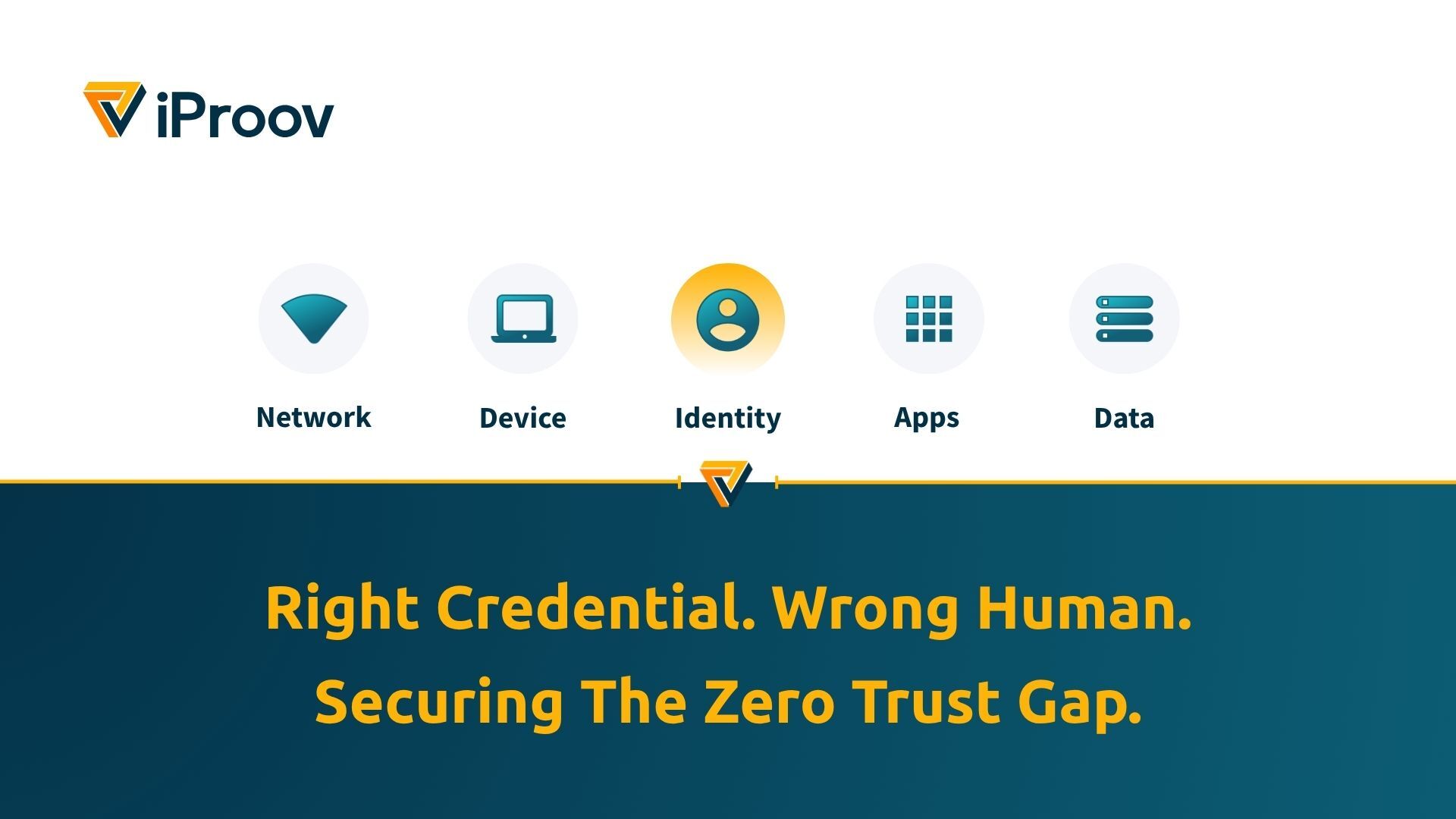
Enterprises have spent years hardening the front door with methods such as SSO, MFA, passkeys, and Zero Trust. But every identity program still needs a recovery path. When a user loses a device or gets locked out, the organization has to decide whether to reset MFA, issue new credentials, or bind a new device.
That account recovery path is part of the front door too. It just didn’t get the same attention, because it’s the one place those controls are designed to step aside. Attackers do not always need to defeat MFA directly when they can persuade a help desk or recovery workflow to bypass it.
It is actually verifying what someone has or knows, not whether the right person is genuinely present.
How Account Recovery Actually Works Today
Before looking at how recovery gets attacked, it is worth being precise about how most organizations actually manage it.
In a typical enterprise, a locked-out employee has two routes back in.
Self-service password reset (SSPR): an employee confirms something they know or something they hold: security questions, an employee ID, or a one-time passcode sent to a registered number or backup email. The system resets the credential or enrolls a new device.
Help desk: The assisted route is usually a phone call to the IT help desk. Often invoked when the employee has lost the device or authenticator that SSPR depends on. The agent asks a short series of verification questions, usually drawn from HR records, then performs the reset manually. For privileged accounts, there may be an approval step. Often there is not.
Ultimately, neither route verifies the person. Both verify data about the person, and that data sits in systems attackers breach or on profiles attackers read. The split matters, because the cases SSPR can’t handle are exactly the cases with the highest stakes and the weakest checks.
Help Desk Recovery Is Now a Proven Breach Path
This is not theoretical. We know social engineering can bypass hardened identity controls by targeting support and recovery workflows, and that help desk recovery is the documented entry method in some of the most damaging intrusions of the last two years.
In fact, Gartner describes account recovery due to forgotten passwords or lost credentials as “the riskiest part of the identity management life cycle.”
Scattered Spider used it at MGM, and again in the 2025 attacks on M&S, Co-op, and Qantas. At MGM, a single ten-minute phone call was enough to get past a multi-million-dollar security stack. After the UK retail incidents, the NCSC specifically urged organizations to review help desk password reset processes, including how staff are authenticated before resets, especially for accounts with escalated privileges.
The scale is on record. A U.S. Department of Justice complaint unsealed in September 2025 alleged at least 120 network intrusions involving 47 U.S. entities, with victims paying at least $115 million in ransom payments. Prosecutors described a consistent method across nearly all of them: call the help desk, request a password reset, take over an administrative account, then use that access to exfiltrate data.
The point is not that agents are careless; it is that the process asks them to make a high-stakes identity decision using signals attackers can easily manufacture at scale. Account recovery should not hinge on someone deciding if a request feels legitimate; it should require proof of genuine presence.
Security leaders have noticed. In RSA’s 2026 ID IQ Report, 51% of organizations named service desk bypass as their single biggest risk.
Advances in AI-generated text and voice cloning make the calls easier to pull off. An attacker who rings the help desk claiming to be a locked-out employee can now sound like that employee, which removes one of the few instinctive checks an agent had. But the attack does not depend on it. A prepared attacker can utilize breached data, LinkedIn context, internal terminology, and a convincing story. Under pressure, the agent is asked to “just reset MFA” or “help me back into my account.”
The FBI and CISA documented the mechanism. Attackers impersonate users or help desk staff to reset passwords and disable MFA, then use those valid accounts to establish persistent access. The reset doesn’t grant a session. It makes them a trusted user.
For a full analysis of workforce identity verification requirements, see the Gartner report here.
Why Legacy Recovery Controls Fail
Most recovery flows fall back on two weak factor types.
- Knowledge factors, such as security questions, employee IDs, manager names, or dates of birth, are only as secret as the last breach or LinkedIn search. They prove knowledge of something, not verified identity.
- Possession factors, such as SMS one-time passcodes, authenticator apps, or backup devices, are shareable, phishable, and often unavailable at the exact moment recovery is needed. If the user has lost the device, a device-bound control cannot be the only way back in. OTPs can still support a recovery journey, but they should not be treated as proof of identity.
Passkeys and device-native biometrics are stronger than passwords, but they do not solve every lifecycle edge case. Passkeys still need recovery and re-enrollment when devices change. Face ID and similar local biometrics authorize use of a device; they do not, by themselves, re-prove to the organization that the account holder is the genuine human now requesting recovery.
The Fix: Re-Verify the Person, Not the Credential
Recovery should be verified to at least the same standard as the login it replaces. Instead of asking, “does this person know enough to sound legitimate?” the organization should ask, “is the right, real person present right now?”
That requires robust liveness detection such as iProov Dynamic Liveness®, which confirms that a face presented during a check belongs to a real person who is physically present at that moment, rather than a photo, a recording, or synthetic media.
Not all solutions are equal, and the difference matters at evaluation time rather than here. Some systems are tested only against attacks held up to a camera. Fewer are tested against attacks fed directly into the software, bypassing the camera altogether. If you reach the stage of comparing vendors, that is the question to ask: what attack types has this been independently tested against, and by whom?
In recovery, that changes the flow. The user confirms contact details, scans an identity document if required, completes a liveness-verified face scan, and only then resets credentials or rebinds a device.
And because the check produces a record of a verified person rather than a correctly answered question, the reset leaves behind the evidence the old process never generated.
Cloud-based biometric recovery can run on a new device as well as an old one, so the lost phone does not become the single point of failure. It also removes the help desk from the riskiest decision, reduces reset tickets, and gives security teams a clearer audit trail from the point of re-binding.
What Should a Great Account Recovery Process Prove?
Security leaders do not need another low-assurance fallback. They need recovery that answers these questions:
- Does it re-prove the person, or just re-check a credential?
- Does it work when the user’s original device is gone?
- Does it leave a record of who was verified, not just that a process was followed?
- Has its liveness capability been independently tested, and against what?
- Does it keep pace with emerging threats, new social engineering, and impersonation tactics?
If the answer is no, the recovery process may be easier to attack than the login it is supposed to protect.
Account recovery is no longer a back-office inconvenience. It is where hardened identity systems break if the person is not re-verified. The organizations getting ahead of this are shifting from “what do you know?” and “what do you have?” to “can you prove you are the right, real person?”
Watch the full session
This article draws on our workplace deepfake session, which includes live demonstrations and the wider identity lifecycle context, from remote hiring to meetings and high-risk workforce actions.
Watch Stranger Things in the Workplace: Securing Your Organization Against the Deepfake Upside Down, then explore how iProov Workforce Solution Suite secures account recovery and device rebinding – the moments where credential-based controls are weakest.
Account Recovery: Common Questions
What is the account recovery process?
Account recovery is how an organization restores access when a user is locked out, loses a device, or forgets a credential. Most enterprises run two routes. Self-service password reset (SSPR) asks the user to confirm security questions, an employee ID, or a one-time passcode sent to a registered number. The help desk route handles everything SSPR cannot, with an agent verifying the caller against HR records before performing the reset manually. Neither route verifies the person. Both verify data about the person.
Why is account recovery a security risk?
Recovery is the point where most authentication controls are suspended by design. Because it falls back on knowledge factors and possession factors that can be breached, phished, or socially engineered, attackers can bypass MFA without ever breaking it. In RSA’s 2026 ID IQ Report, 51% of organizations named service desk bypass as their single biggest risk.
How do attackers bypass MFA using the help desk?
Rather than defeating MFA directly, attackers phone the IT help desk impersonating a locked-out employee, using breached data, LinkedIn context, and internal terminology to pass the verification questions. The FBI and CISA documented Scattered Spider impersonating users and help desk staff to reset passwords and disable MFA, then using those valid accounts to establish persistent access.
How can biometrics secure the account recovery process?
Biometric recovery re-verifies the person rather than re-checking a credential. The user confirms contact details, scans an identity document if required, and completes a liveness-verified face scan before credentials are reset or a new device is bound. Because verification is cloud-based rather than tied to a registered device, it works on a new phone as well as an old one, removes the help desk from the riskiest decision, and leaves an audit record of who was verified.